
Design your next knife at true size.
Plungeline is a drawing tool made for knifemakers. Draw the blade, spring and handle in millimetres or inches, swing a folder's blade to check it, and send the parts to your laser, your CNC or your printer at exactly the size you drew them.
Try it for ten minutes without an account, then sign up free to keep going. Free while it's in beta, and it runs in your browser on a phone, tablet or computer.
Start from a drawing you already have
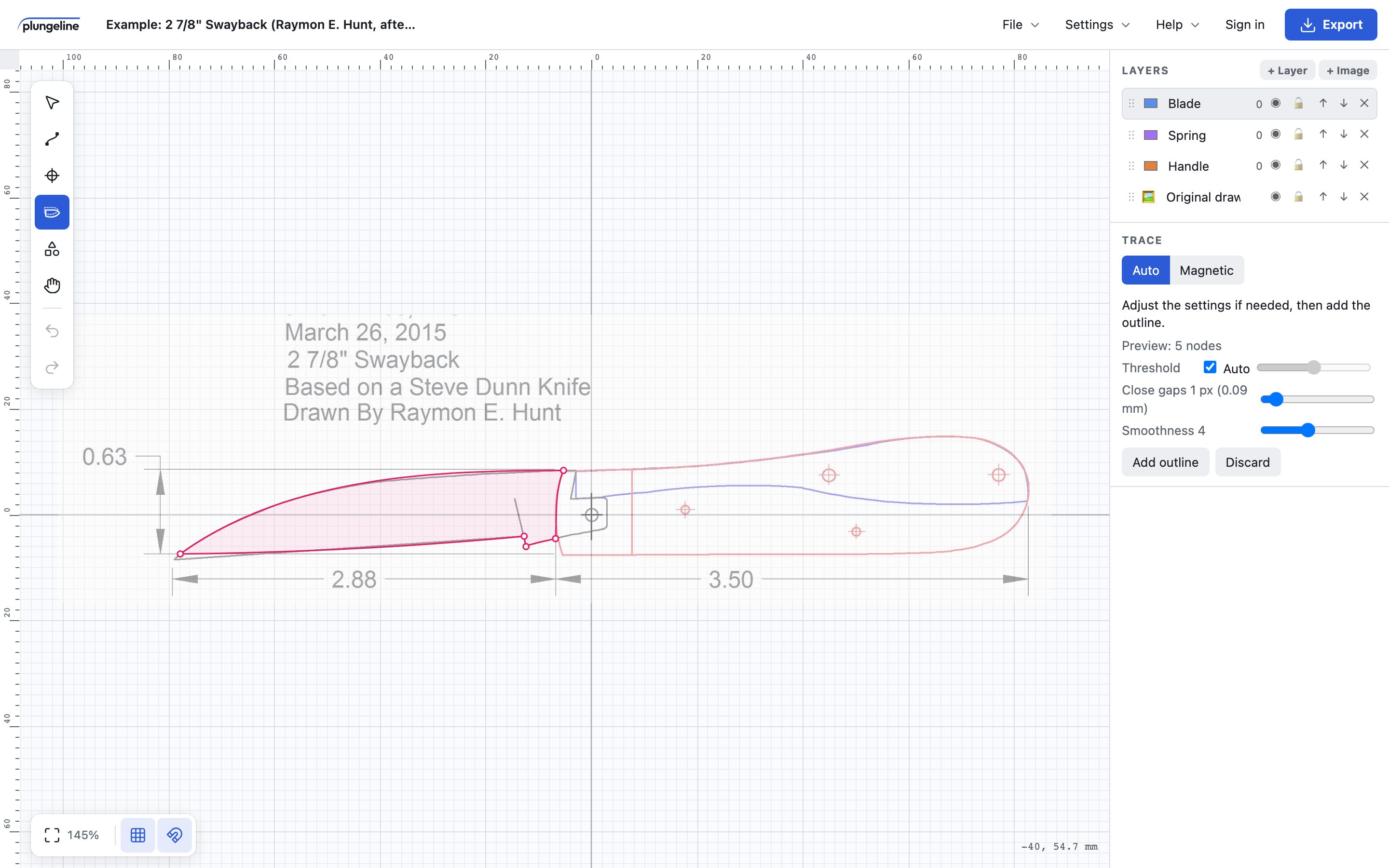
Import a photo, a scan or a PDF of your pattern and set its scale from one length you know. Click inside an outline and Auto trace draws it for you, with sharp corners kept sharp and curves fitted smooth. For trickier photos, Magnetic trace follows the edges between points you pick.
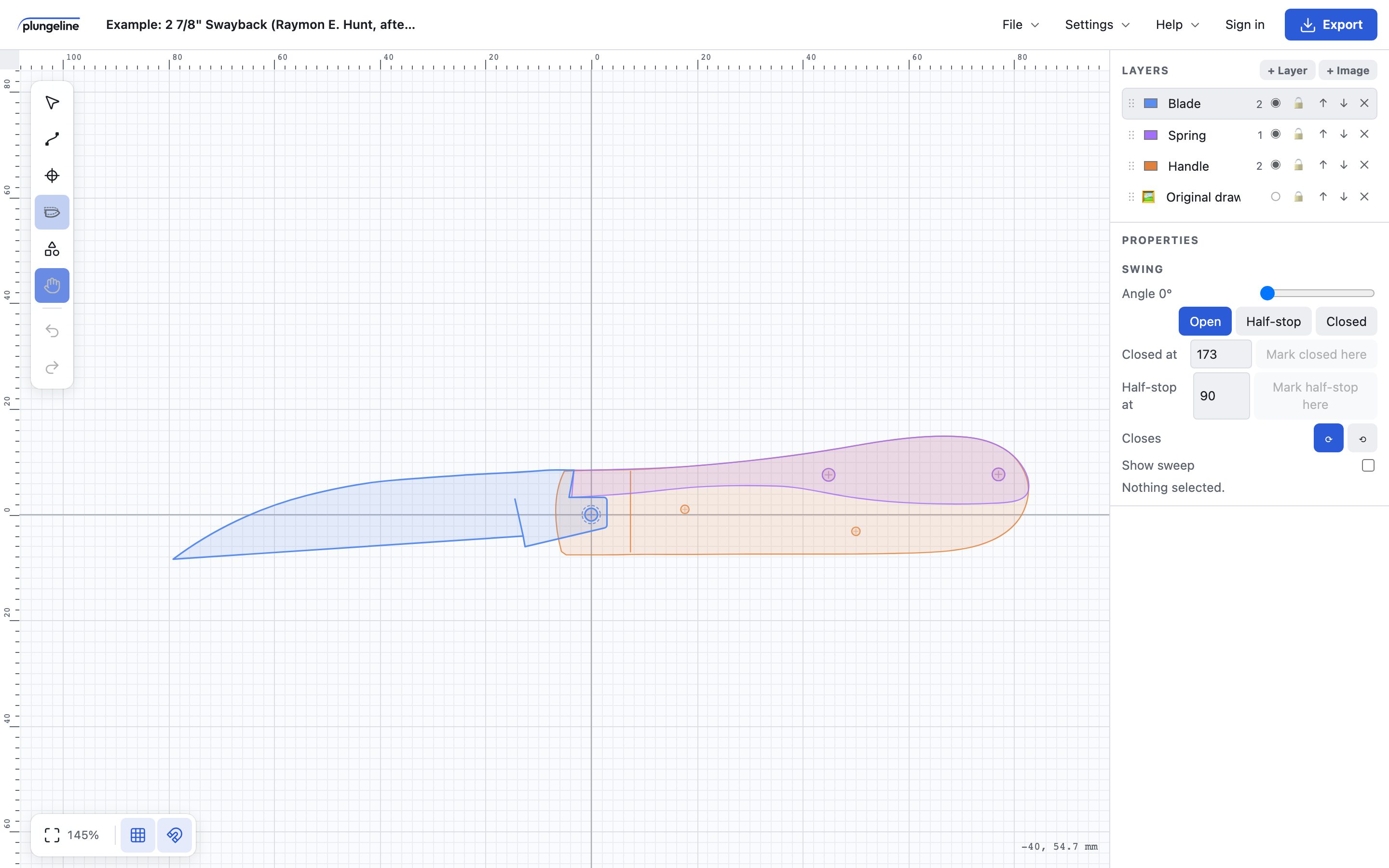
Hide the drawing when you're done, and the outlines are yours to edit.
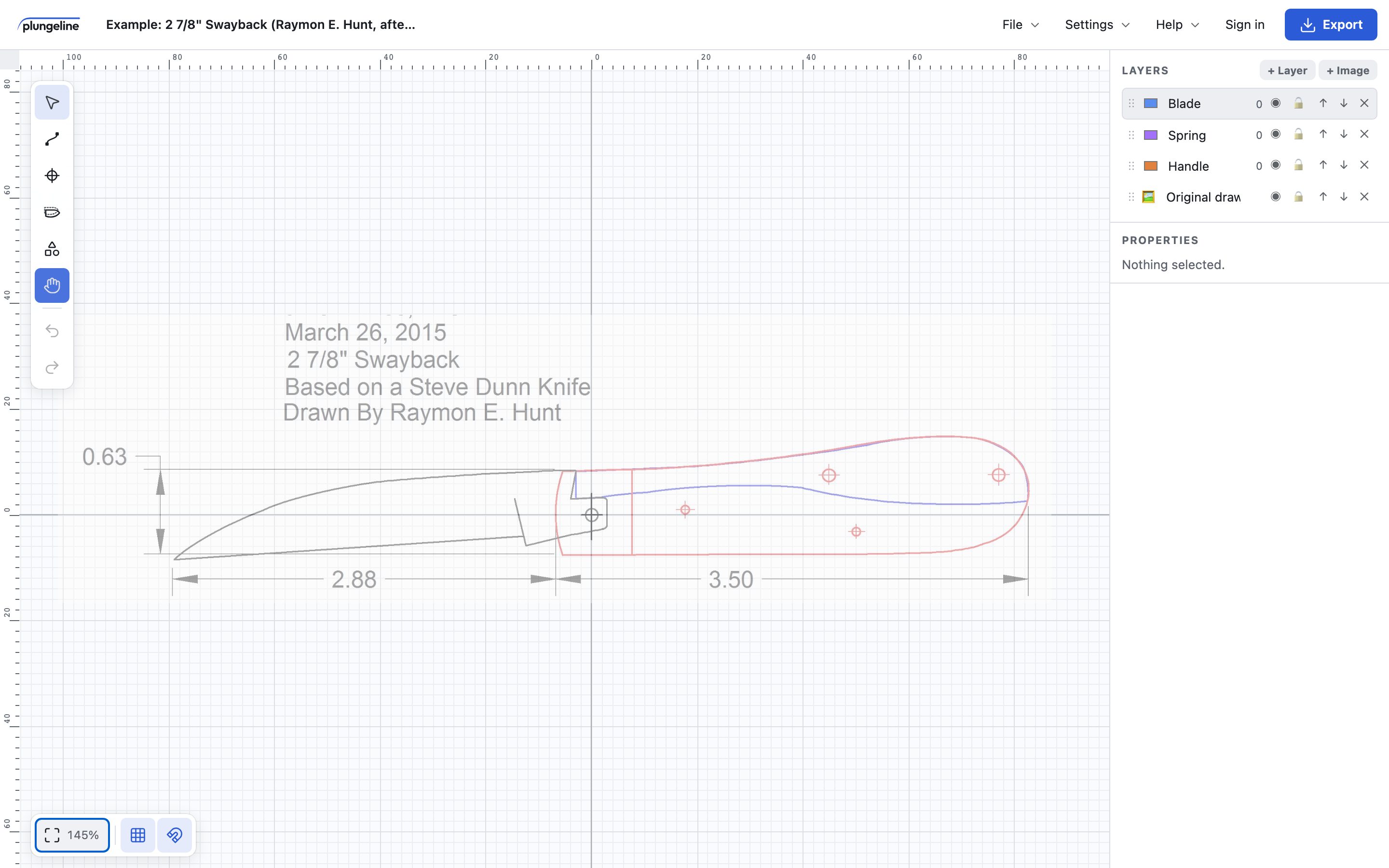
- Import the drawing
- Click to trace
- Hide the drawing
Check a folder before you cut steel
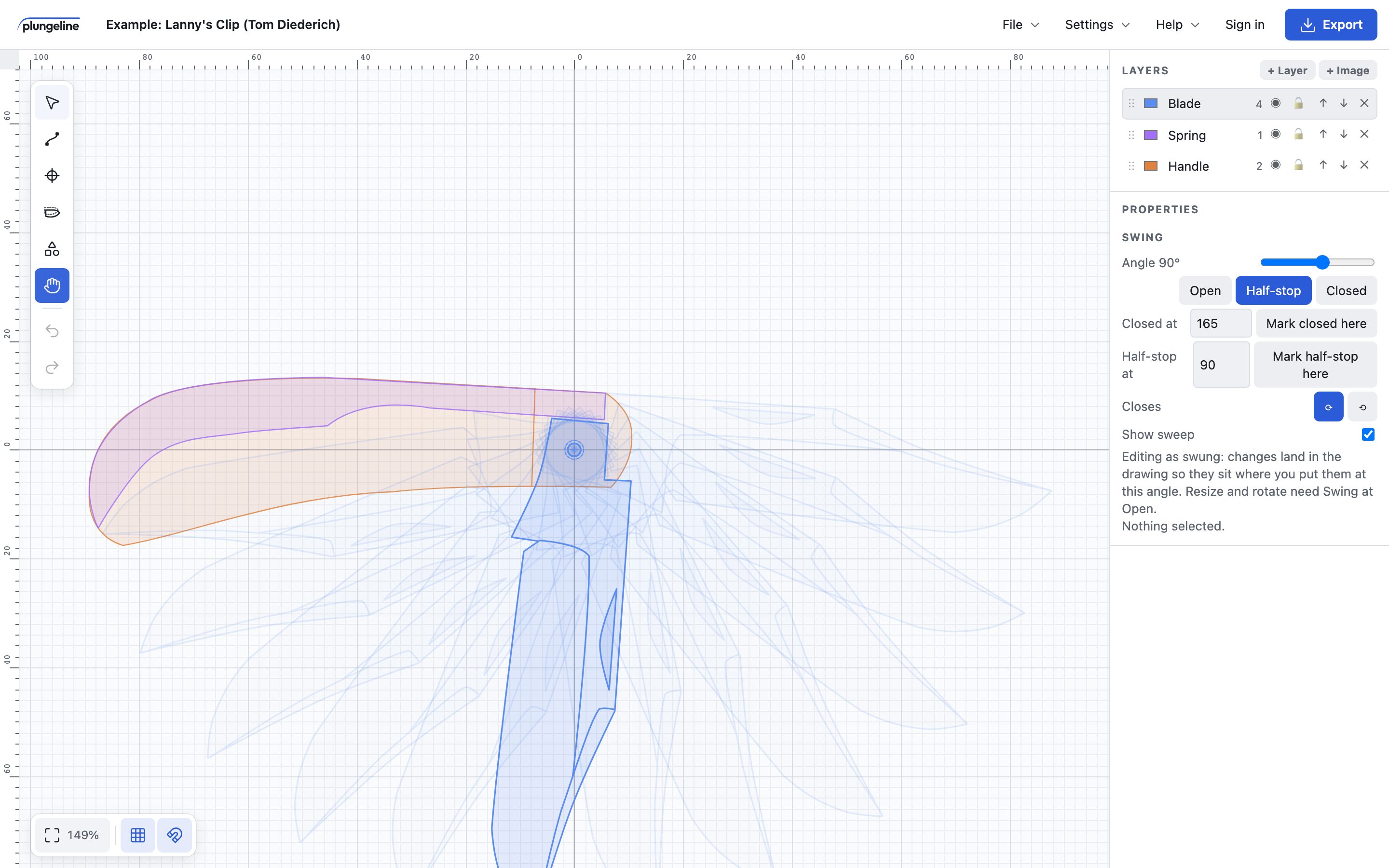
Put the pivot on the blade and the handle, then swing the blade through open, half-stop and closed. Turn on the sweep to see every position at once, and catch a tip that hits the spring or a tang that won't sit right.
Set the angles where your blade stops closed and at half-stop, and edit the blade while it's swung: changes land in the drawing where you put them.
A palette of knife features
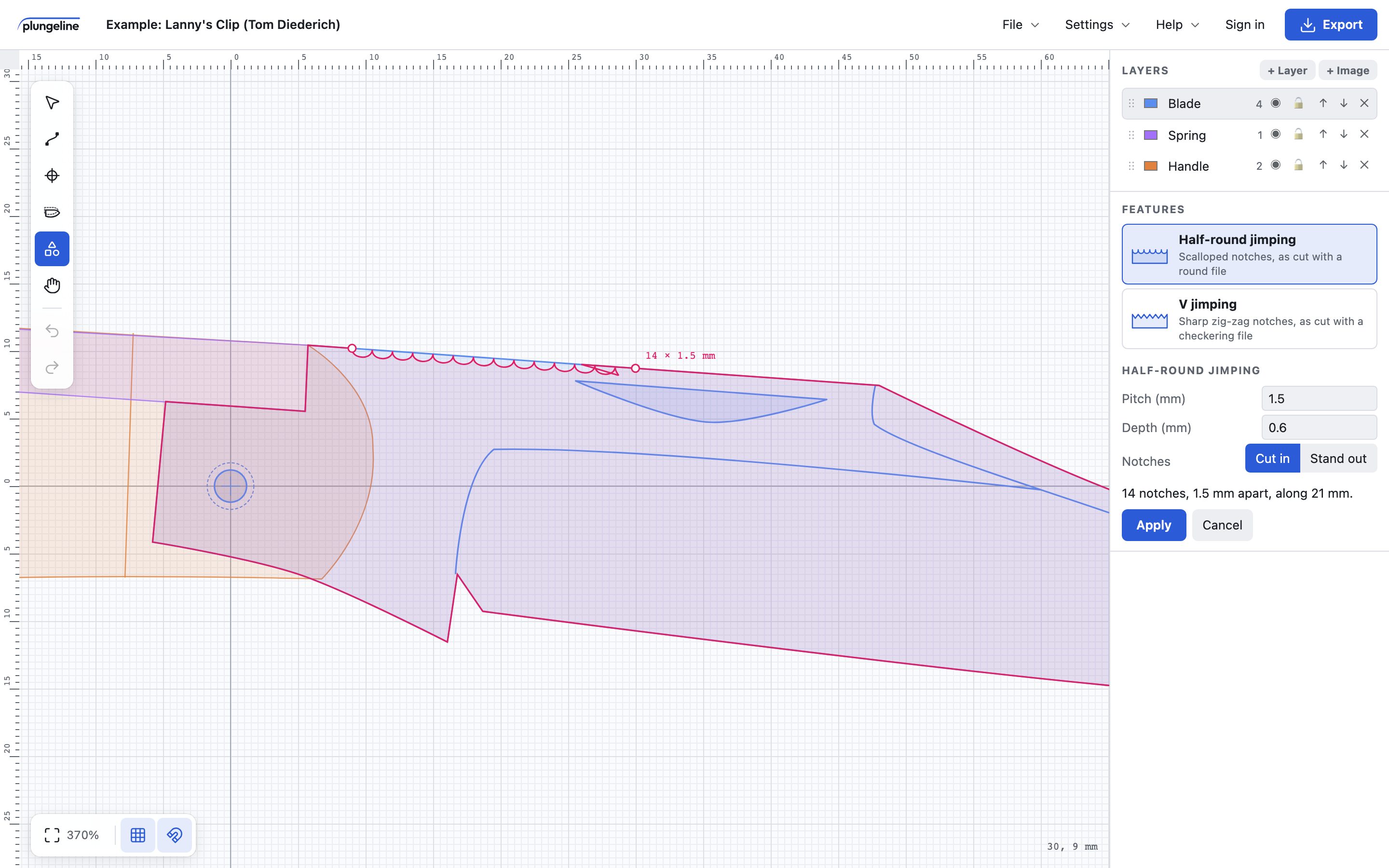
Pick half-round or V jimping from the Features palette and drag along the spine. The notches are spaced to fill the stretch exactly, follow its curve, and come out at the pitch and depth you set. You see a preview first, and apply it when it looks right.
Coming soon: save shapes of your own to the palette, like a favourite clip, a nail nick or your maker's mark, and drop them into your next design.
Out to the shop
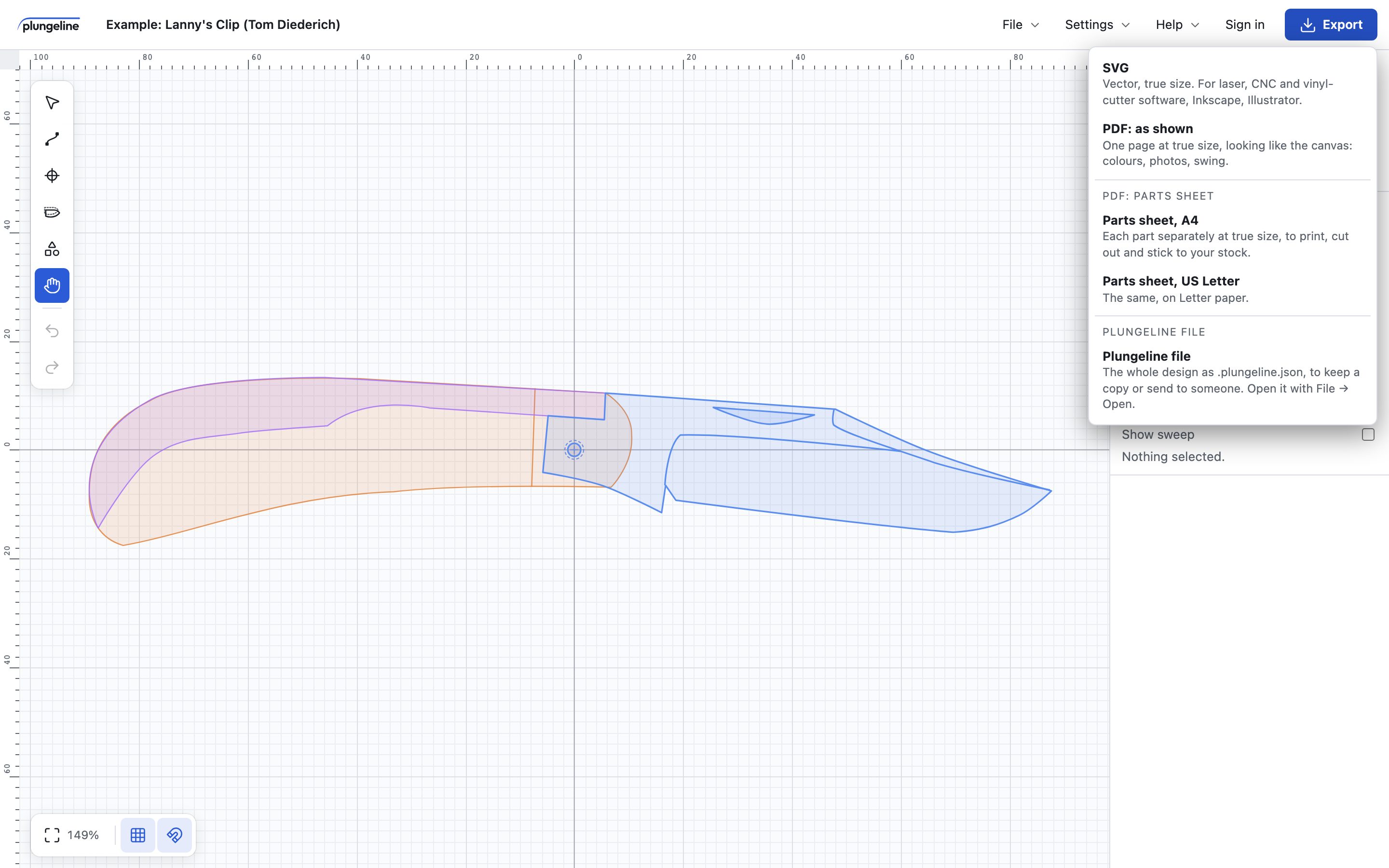
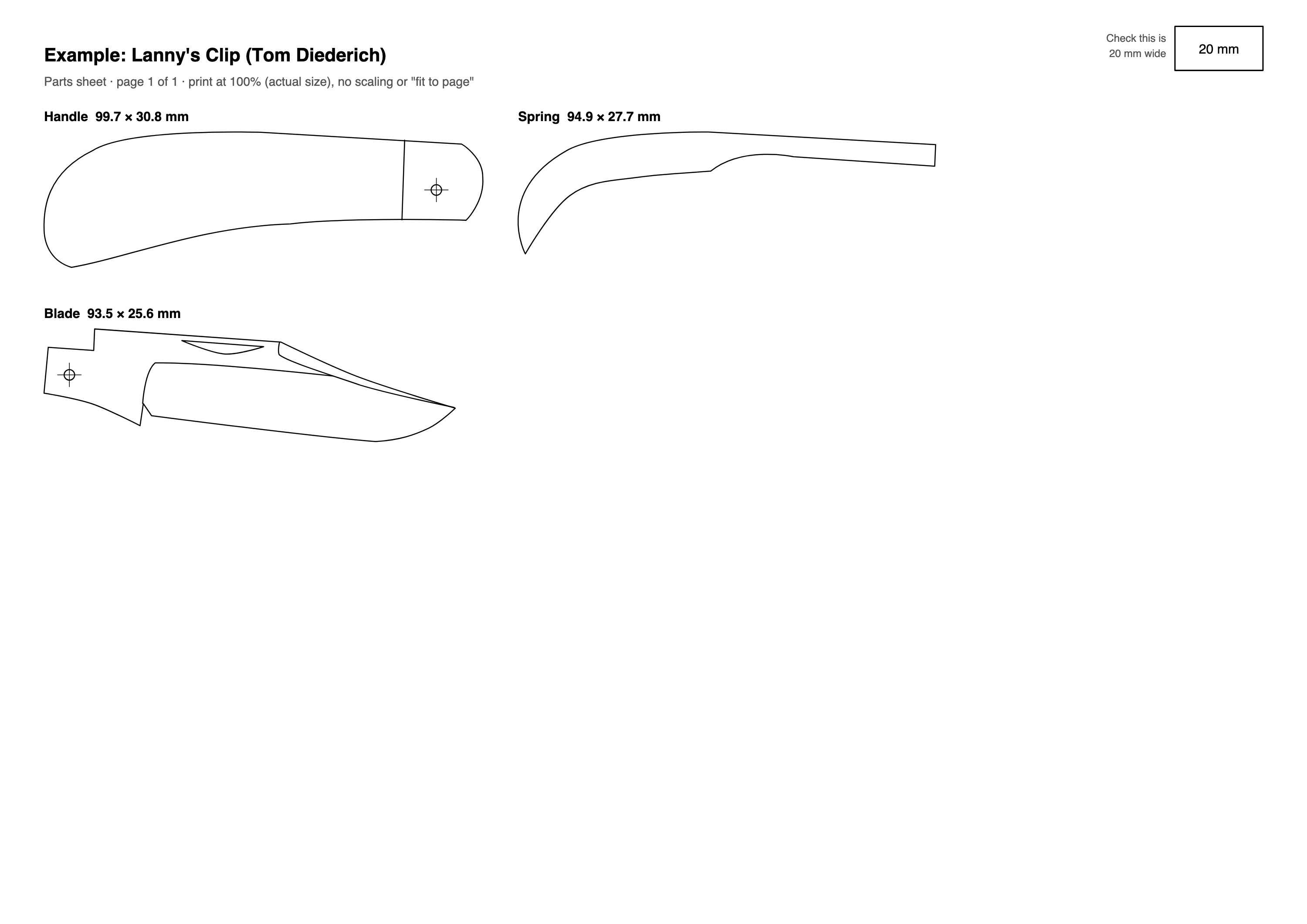
Everything exports at true size. Print a parts sheet to stick to your steel, or send an SVG to your laser or CNC. Exporting needs a free account.
| File | For |
|---|---|
| Parts sheet PDF | Each part laid out on A4 or US Letter, to print, cut out and stick to your stock, with a box to check it printed at the right size. |
| SVG | Laser, CNC and cutter software such as LightBurn, or editing in Inkscape and Illustrator. Imports at true size with no scaling. |
| PDF as shown | Sharing the design, or printing it as it looks on screen. |
| Plungeline file | The whole design, to keep a copy or send to someone. |
And the everyday details
- Pins and holes
- Sized by diameter, and copied through blade, spring and handle in one go so they line up.
- Real units
- Millimetres or inches, with rulers, a grid and snapping. A part that measures 182.4 mm on screen is 182.4 mm in the file.
- A layer for each part
- Blade, spring, handle and scales each on their own layer, in their own colour, to hide, lock or export.
Ready on the phone in your apron pocket
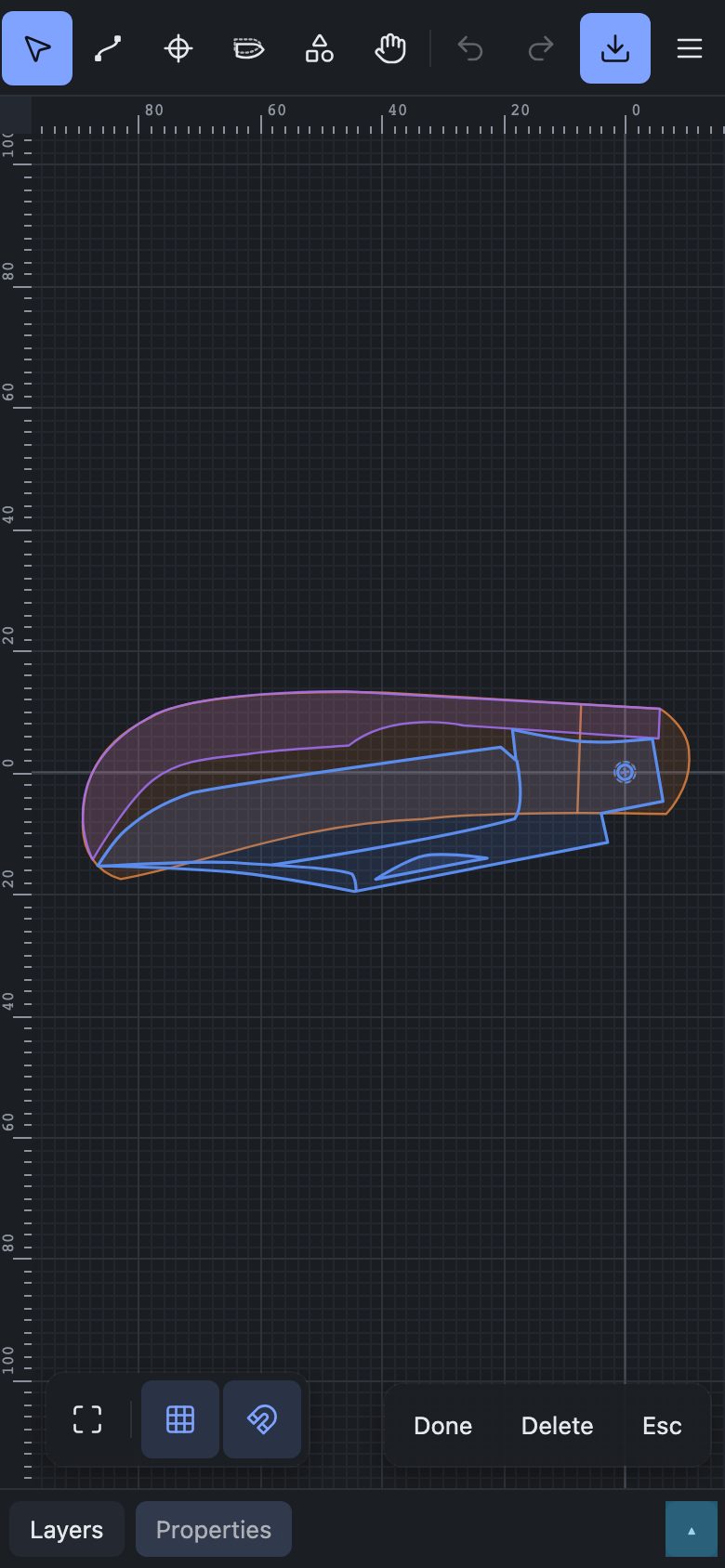
Plungeline works by touch, with its panels tucked into a sheet at the bottom of the screen. Add it to your home screen and it opens like an app.
Sign in and your designs save to your account as you work, ready on whichever device you pick up next.
Start from an example
Open Lanny's Clip or the Swayback from the File menu, take them apart, and make them your own.
Open Plungeline